
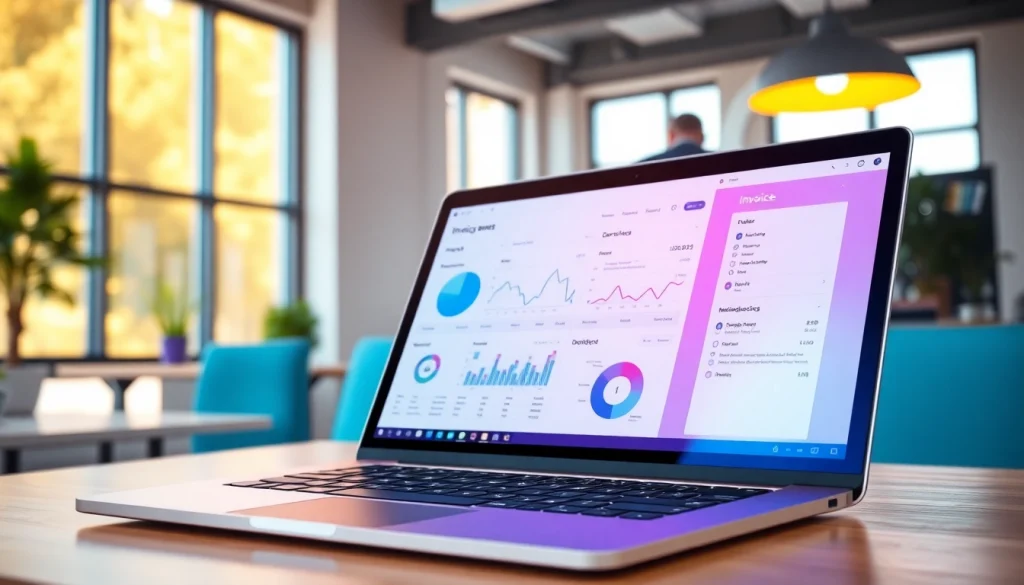
Introduction to Invoice Processing Software
In today’s digital economy, businesses are constantly seeking ways to optimize operations, control costs, and improve efficiency. One important tool that has emerged to facilitate these goals is invoice processing software. This technology helps organizations streamline their accounts payable processes by automating various elements of invoice management. In this article, we will explore the importance of invoice processing software, its key features, and the role of automation in enhancing business productivity.
What is Invoice Processing Software?
Invoice processing software is a digital solution designed to automate invoice management tasks. It allows businesses to capture, process, approve, and pay invoices electronically, significantly reducing the reliance on manual methods. These systems typically integrate with existing financial and accounting systems, ensuring seamless workflow across departments.
Key Features of Invoice Processing Software
Modern invoice processing software offers a multitude of features tailored to improve efficiency and accuracy:
- Data Capture: Systems can extract data from invoices using OCR (Optical Character Recognition) technology, converting different formats into structured data.
- Workflow Automation: Automated workflows ensure invoices are routed to the appropriate departments for approval, reducing bottlenecks.
- Real-time Reporting: Users can generate reports on outstanding payments, vendor performance, and cash flow forecasting.
- Integration Capabilities: These systems often integrate with ERPs and accounting platforms to streamline financial management.
- Security Features: Robust security measures prevent unauthorized access to sensitive financial information, ensuring compliance with regulations.
- Vendor Management: Centralized access to vendor information improves relationships and negotiation capabilities.
Understanding the Importance of Automation
Automation in invoice processing is more than a trend; it has become a necessity for businesses aiming to thrive in competitive markets. By automating repetitive tasks, companies can not only enhance productivity but also minimize the risk of human-error, leading to improved data accuracy. Furthermore, automation facilitates faster invoice approvals, leading to improved vendor relationships and potentially better payment terms.
Advantages of Using Invoice Processing Software
The shift to automated invoice processing yields numerous advantages for organizations:
Time Savings and Productivity Gains
Manual invoice processing is not only time-consuming but also fraught with inefficiencies that can lead to delays in payments and increased workload on finance teams. Invoice processing software reduces the time required for data entry, approval routing, and payment processing, allowing employees to focus on strategic tasks rather than mundane ones. In fact, studies have shown companies can save hours per week per employee through effective invoice automation.
Cost Reduction and Financial Accuracy
With automated processes, organizations typically experience significant reductions in operational costs associated with manual invoice processing. This includes costs related to labor, paper, postage, and storage. Moreover, by enhancing accuracy through automation, companies can avoid the expenses linked to late payments or discrepancies, ensuring more reliable financial reporting.
Enhanced Supplier Relationships
A smooth and efficient invoice processing system contributes to improved relationships with suppliers. Timely payments can lead to better negotiation positions, discounts, and deeper partnerships. Additionally, suppliers appreciate the ease of receiving payments, fostering a mutual benefit that enhances long-term collaboration.
Implementing Invoice Processing Software
The successful implementation of invoice processing software requires careful planning and execution to maximize its benefits:
Preparing Your Business for Automation
Before introducing new technology, organizations must assess their current processes and identify areas for improvement. Engaging stakeholders from different departments can provide insights into existing pain points. Moreover, setting specific goals for automation—whether they are related to improving speed, accuracy, or cost savings—can help in choosing the right software solution.
Choosing the Right Invoice Processing Software
Selecting the right software is critical to the success of your automation efforts. Key criteria to consider include:
- Compatibility: Ensure the software integrates seamlessly with existing financial systems.
- User-Friendliness: The interface should be intuitive for ease of adoption by staff.
- Scalability: As your business grows, your invoice processing solution should be able to scale accordingly.
- Vendor Support: Look for vendors that offer robust support during and after the implementation phase.
- Customization Options: The ability to tailor the software to your specific workflow can significantly enhance its effectiveness.
Best Practices for Implementation
Once the software has been selected, implementing it requires a structured approach:
- Conduct Training Sessions: Provide thorough training for the employees who will use the system to ensure a smooth transition.
- Pilot Program: Consider launching a pilot program in one department to uncover potential challenges before a full rollout.
- Monitor Progress: Set key performance indicators (KPIs) to monitor the effectiveness of the software and make necessary adjustments early on.
- Seek Feedback: Regularly solicit feedback from users to enhance user experience and address any concerns promptly.
Common Challenges and Solutions
While the advantages of invoice processing software are significant, organizations may encounter challenges during the transition. Here’s how to address these issues:
Addressing Resistance to Change
Resistance from employees accustomed to manual processes is common. To overcome this, it’s essential to communicate the benefits clearly and involve staff in the selection and implementation process. Showcasing successful case studies within the organization can also encourage buy-in.
Dealing with Data Migration Issues
Transferring existing data into the new system can pose risks of errors or loss. To mitigate these risks, perform data audits before migration to cleanse and format the data properly. Testing the data migration in stages can also help to uncover any issues without affecting the entire system.
Troubleshooting Common Software Problems
Even the best software can experience technical issues. Establish a troubleshooting protocol that includes a dedicated support team familiar with the software and a user-friendly documentation system to address common concerns or questions that arise post-implementation.
Future Trends in Invoice Processing
The landscape of invoice processing continues to evolve, influenced by technological advancements and changing business needs. Here are some trends to keep an eye on:
The Role of Artificial Intelligence
Artificial intelligence (AI) is set to revolutionize invoice processing through advanced analytics and machine learning. AI can assist in automating data entry by recognizing patterns, predicting invoice discrepancies, and providing actionable insights based on spending behaviors. This evolution will enhance the decision-making process in accounts payable.
Integration with Other Business Systems
As businesses increasingly adopt comprehensive enterprise resource planning (ERP) solutions, it’s crucial for invoice processing software to integrate with other business systems such as procurement and supply chain management. This integration fosters greater data accuracy, visibility, and collaboration across departments, ensuring a more cohesive business operation.
Preparing for Upcoming Regulatory Changes
As governments and regulatory bodies continue to introduce new requirements and compliance standards in financial reporting and data protection, businesses must ensure their invoice processing software is adaptable. Staying abreast of regulatory changes will help organizations maintain compliance and avoid potential legal ramifications.