
Understanding vpn router Basics
What is a vpn router?
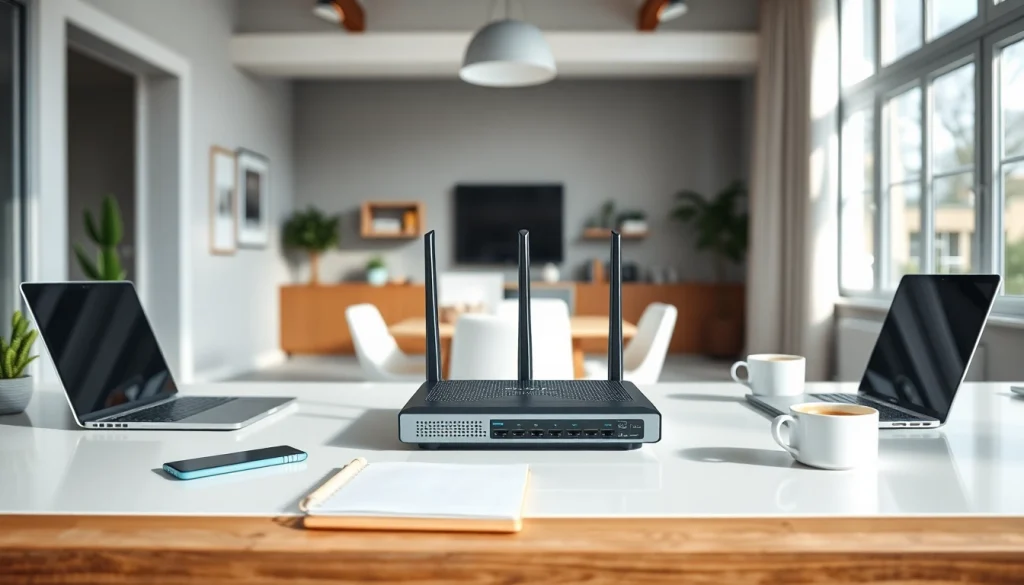
A vpn router is a specialized router that routes your internet traffic through a Virtual Private Network (VPN). Unlike regular routers, which only transmit data to and from devices, a vpn router adds a layer of security by encrypting your internet connection. This means all devices connected to the router benefit from VPN protection, ensuring privacy and anonymity online.
Key Benefits of vpn routers
Investing in a vpn router offers numerous advantages:
- Enhanced Security: A vpn router encrypts your data, shielding it from hackers and snoopers.
- Wider Coverage: With one vpn router, you can protect multiple devices simultaneously—laptops, smartphones, smart TVs, and more.
- Access to Geo-Restricted Content: A vpn router allows you to bypass geo-blocks, giving you access to content restricted in your region.
- Simplified Management: Configuring a single router is more efficient than setting up a VPN on each individual device.
How vpn routers Work
vpn routers function by connecting to a VPN service, allowing them to encrypt internet traffic for all devices on the network. The router acts as a bridge, forwarding requests to the internet through a secure VPN tunnel. As a result, any online activity on these devices is anonymous, and your actual IP address is hidden. This technology proves beneficial when utilizing public Wi-Fi, where security risks are heightened.
Choosing the Right vpn router
Criteria for Selection
Selecting an appropriate vpn router involves considering several key factors:
- Compatibility: Ensure the router is compatible with your chosen VPN service.
- Speed: Look for routers with high-speed specifications to maintain efficient internet access.
- Number of Devices Supported: Assess how many devices you intend to connect and choose accordingly.
- Ease of Setup: User-friendly interfaces and comprehensive setup guides are crucial for effective configuration.
Top Features to Look For
When selecting a vpn router, consider features that enhance performance and security:
- Dual Band or Tri-Band Support: These options can improve performance in multi-device environments.
- Built-In Firewall: Provides additional protection by filtering out malicious traffic.
- Custom Firmware Support: Fabrics like OpenWrt or DD-WRT can enhance routing capabilities.
- Quality of Service (QoS): Prioritizes bandwidth for applications that require high-speed connections.
Budget Considerations
When purchasing a vpn router, assess your budget wisely. Cost can vary significantly based on features, brand, and specifications. While high-end routers provide advanced functionalities, many mid-range options can adequately serve the needs of an average user. Always look for models that offer a good balance between cost and performance.
Setting Up Your vpn router
Basic Setup Steps
Setting up your vpn router involves a sequence of steps that, when followed, will lead to a secure configuration:
- Connect to the Router: Plug in your router and connect it to your modem.
- Access the Router’s Admin Panel: Open a web browser and enter the router’s IP address to access the admin panel.
- Input VPN Credentials: Locate the VPN section in the router settings and enter your VPN credentials.
- Adjust Additional Settings: Customize settings like protocol selection and kill switch options if needed.
- Save and Restart: Save your settings and restart the router to apply the changes.
Advanced Configuration Options
For users who wish to delve deeper into their router’s capabilities, consider the following advanced configuration options:
- Port Forwarding: Direct incoming traffic on specific ports to particular devices within your network.
- Dynamic DNS: Set up a dynamic DNS service for easier remote access to your home network.
- Split Tunneling: Allow certain applications to bypass the VPN, while others remain protected.
Common Issues and Troubleshooting
If you encounter problems with your vpn router, here are some common issues and their respective solutions:
- Connection Drops: Restarting your router or checking the VPN server status may resolve connection instability.
- Slow Speeds: Test various VPN servers; some may provide faster connections based on your location.
- Device Compatibility Problems: Ensure all devices have the latest firmware and are set up correctly.
Performance Metrics for vpn routers
Speed and Connectivity Tests
Measuring the speed and connectivity of your vpn router can be done using various online tools:
Consider conducting tests during different times of the day to assess how usage affects speeds. A quality vpn router should maintain reasonable speeds irrespective of usage.
Security Features Evaluation
When evaluating security features, assess:
- Encryption Standards: Ensure the router uses robust encryption standards like AES-256.
- Kill Switch Capability: A vital feature that cuts internet access if the VPN drops, safeguarding data.
- Regular Firmware Updates: Manufacturers should provide updates to address vulnerabilities.
User Reviews and Feedback
User feedback is invaluable. Look for reviews that discuss:
- Ease of use and setup experience.
- Performance in real-world scenarios.
- Customer support experiences.
Frequently Asked Questions about vpn routers
What are the best vpn routers?
The best vpn routers vary based on criteria like speed, security features, and device compatibility. Research and compare options on reliable tech websites to find one that fits your needs best.
Can I VPN my Wi-Fi router?
Yes, you can VPN your Wi-Fi router. By configuring your router to connect to a VPN service, all devices connected can benefit from the VPN’s security features.
How much is a vpn router?
Prices for vpn routers range from budget options around $50 to premium models exceeding $300. It ultimately depends on the features and specifications you need for your network.
What features should I prioritize?
Prioritize speed, security features (like encryption and a kill switch), compatibility with your VPN provider, and the number of devices you plan to connect when selecting a vpn router.
Are vpn routers suitable for gaming?
Yes, vpn routers can be suitable for gaming. Ensure the router has high speed and low latency capabilities to minimize any potential lag during gameplay.