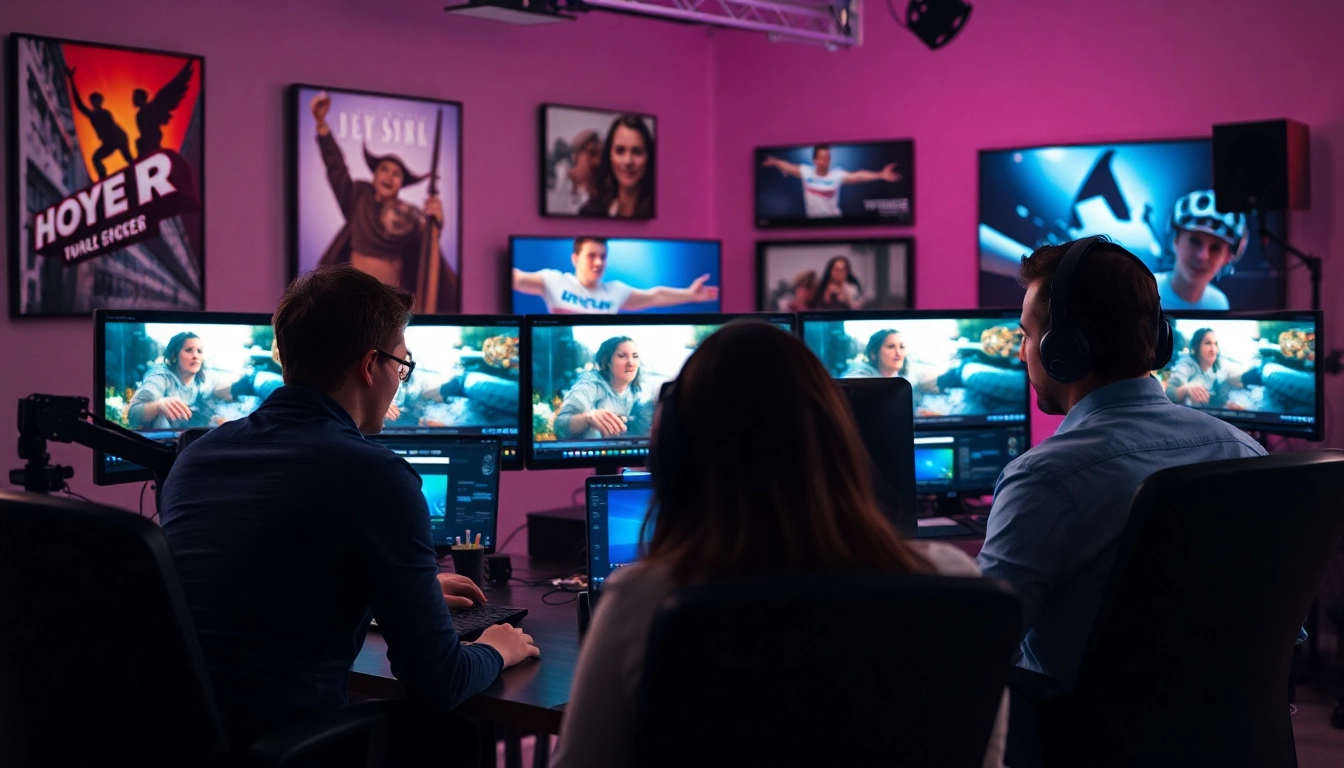
Understanding the Role of Professional Video Editors
In today's digital age, where video content reigns supreme, the demand for professional video editors has soared. These individuals play a critical role in shaping how stories are told through video, making them indispensable in industries ranging from film and television to marketing and corporate communications. As we explore the multifaceted world of video editing, it is essential to grasp the vital skills, storytelling approaches, and tools that professional video editors must master.
The Essential Skills of Professional Video Editors
To be successful in the video editing domain, professionals must possess a diverse skill set. This includes:
- Technical Proficiency: Mastering video editing software such as Adobe Premiere Pro, Final Cut Pro, and DaVinci Resolve is fundamental. These programs not only provide essential editing features but also allow editors to apply effects, adjust audio, and enhance visuals creatively.
- Attention to Detail: A keen eye for detail is paramount. Editors must be able to spot inconsistencies, continuity errors, and pacing issues to ensure that the final product is polished and professional.
- Storytelling: Video editing is not just about cutting and splicing footage; it’s about telling a cohesive story. Editors need to understand narrative structure and how to build emotional arcs within a piece.
- Communication Skills: Collaborating effectively with directors, producers, and other creatives requires strong communication skills. Editors must be able to articulate their vision and incorporate feedback constructively.
- Time Management: With tight deadlines common in the industry, proficient time management enables editors to deliver high-quality work on schedule without compromising their standards.
Common Tools Used by Professional Video Editors
To achieve their artistic vision, professional video editors rely on a range of tools and technologies. These might include:
- Video Editing Software: Programs like Adobe Premiere Pro and Final Cut Pro offer advanced features that facilitate sophisticated video edits, color correction, and audio manipulation.
- Audio Editing Tools: Sound is a vital component of video editing. Tools such as Adobe Audition and Audacity help editors ensure that the audio quality matches the visual elements flawlessly.
- Visual Effects Software: Editors often utilize software like After Effects for creating stunning visual effects, animations, and transitions that enhance the viewer's experience.
- Hardware: High-performance computers, dual monitors, and dedicated graphics cards are common in editing suites, as they provide the necessary computing power for rendering high-quality video.
The Importance of Storytelling in Video Editing
At its core, video editing serves to create a narrative. Professional video editors understand the impact of storytelling techniques and how they resonate with audiences. The process involves several key elements:
- Structure: A well-structured video may follow traditional story arcs, such as the three-act structure, which includes a beginning (setup), middle (confrontation), and end (resolution).
- Emotion: Editing can evoke emotions through pacing, music selection, and the strategic use of cutaways. An editor's ability to manipulate these elements can significantly affect the audience's emotional response.
- Visual Cohesion: Storytelling through visual coherence makes the narrative more engaging. Professional editors ensure that visuals align with the intended message, creating a seamless viewing experience.
Evaluating Video Editing Services
When it comes to finding the right video editing service, several factors need to be considered. Evaluating potential editors can seem daunting, but focusing on a few vital areas can streamline the process.
How to Determine the Right Video Editor for Your Project
Choosing the right video editor depends on several criteria:
- Specialization: Different video projects require unique expertise. For instance, a video editor specializing in wedding videos may not be the best choice for corporate promotional content. Assess potential candidates based on their portfolios and past experiences.
- Technical Skills: Review their proficiency with editing software that aligns with your project’s requirements. A strong technical skill set ensures that your project will meet professional standards.
- Communication Ability: Choose an editor who communicates openly and is responsive to feedback. This collaboration will help achieve the desired outcome efficiently.
Common Pricing Models for Professional Video Editors
Understanding how video editing services determine their pricing can help you budget more effectively. Here are common pricing models:
- Hourly Rates: Many professional video editors charge an hourly rate, which can vary widely based on experience, location, and project complexity. Rates typically range from $25 to $150 per hour.
- Per Project Fees: Some editors may offer a flat fee per project, which includes all editing tasks. This model is often preferred for established projects with defined parameters.
- Monthly Retainer: For ongoing video needs, some clients opt for a monthly retainer arrangement, providing a consistent budget and ensuring priority service from the editor.
Key Questions to Ask Before Hiring
Before finalizing a decision on a video editor, consider asking the following critical questions:
- What is your editing workflow?
- Can you provide references or examples of past work?
- What is your typical turnaround time for projects of similar scale?
- How do you handle revision requests?
- Are there any additional costs I should be aware of?
Finding and Hiring Professional Video Editors
The search for professional video editors can seem overwhelming given the abundance of choices. However, knowing where to look and understanding the pros and cons of each option can simplify your decision-making process.
Top Platforms to Hire Professional Video Editors
Numerous online platforms connect clients with video editing professionals. Some reputable options include:
- Fiverr: Known for its wide array of freelance services, Fiverr allows clients to browse video editing gigs from different freelancers. You can view portfolios and client reviews to help in decision-making.
- Upwork: A popular freelancing platform that connects businesses with professional video editors. Clients can post job listings and receive bids from freelancers, often incorporating hourly or fixed project rates.
- Behance: While typically a portfolio site, many video editors showcase their work on Behance, allowing clients to assess the quality and style before reaching out for collaboration.
Freelance vs. Agency: Which Is Better?
Deciding between hiring a freelance video editor and working with an agency depends on several factors, including budget, project scope, and desired outcomes.
- Freelancers: Often more cost-effective, freelancers can offer personalized attention and flexibility. They may be ideal for smaller projects or startups needing streamlined services.
- Agencies: Typically equipped with a team of specialists, agencies can manage larger projects with multiple components, such as strategic branding and marketing integration. However, their rates are usually higher due to the added expertise and resources.
Remote Editing: Pros and Cons
The rise of remote work has made it increasingly feasible to engage video editors from anywhere in the world. However, this comes with advantages and disadvantages:
- Access to a broader talent pool, allowing for selection based on specific project needs rather than geographic limitations.
- Potentially lower costs, depending on the location of the editor.
- Flexibility in scheduling and communication through digital tools.
- Challenges with communication and feedback loops, potentially leading to misunderstandings or delays.
- Technology dependence may lead to issues such as slow internet connections or software compatibility problems.
- A lack of on-site collaboration could hinder creativity and real-time adjustments.
Pricing and Budgeting for Video Editing
Budgeting effectively for video editing is crucial for project success. Understanding the cost structure and what influences overall prices will help in achieving the best value for your investment.
Average Rates for Professional Video Editors
The cost of hiring a video editor can vary significantly based on various factors. Here’s a breakdown of average rates:
- Entry-Level Editors: Typically charge between $15 to $30 per hour, making them a good choice for basic editing needs.
- Mid-Level Editors: With more experience and a solid portfolio, these editors may charge from $30 to $60 per hour.
- Expert Editors: Top-tier professionals with extensive experience and specialized skills can charge $60 or more per hour, often providing high-quality outcomes for complex projects.
Cost Factors: Experience, Location, and Project Complexity
Several elements can influence the overall cost of professional video editing services:
- Experience: More experienced editors typically command higher rates due to their expertise and established reputation.
- Location: Editors based in major metropolitan areas may charge more than those in less populated regions, reflecting the local cost of living.
- Project Complexity: The intricacy of the project, including special effects, animations, or multi-camera editing, can drive up costs.
Budgeting Tips for Video Projects
To manage video editing expenses effectively and maximize return on investment, consider the following budgeting strategies:
- Define Objectives: Before starting a project, outline clear goals to help guide your budget and eliminate unnecessary costs.
- Request Quotes: Solicit quotes from multiple editors to compare pricing and services, establishing a competitive advantage.
- Be Transparent: Share your budget openly with potential editors; this can lead to better collaboration and tailored services that fit your needs.
Maximizing Your Collaboration with Professional Video Editors
Once you’ve hired a video editor, working effectively together is crucial to achieve the desired outcome. Following best practices ensures smooth collaboration and enhances the final product.
Best Practices for Providing Feedback
Providing feedback is a necessary part of the editing process, and there are ways to make this exchange constructive:
- Be Specific: Rather than vague statements like “I don’t like this,” provide detailed feedback about what specifically may not be working for you.
- Prioritize Changes: Focus on the most critical aspects of the edit first, allowing the editor to address the most impactful points in the next revision.
- Be Open to Suggestions: Editors often have valuable insights based on their expertise; remain receptive to ideas that may enhance the final result.
Setting Clear Expectations for Video Projects
Clearly defining expectations from the outset helps to align your vision with the editor's process:
- Timeline: Establish a clear timeline for project milestones and final delivery dates.
- Scope of Work: Define the particular services required, whether it’s initial cuts, revisions, effects, or final touches.
- Budget Limits: Communicate budget constraints upfront to guide the editor’s decisions throughout the project.
Building a Long-Term Relationship with Your Editor
Fostering a positive, long-term relationship with your video editor can lead to more efficient collaborations in the future:
- Regular Communication: Maintain open lines of communication, checking in periodically throughout project development.
- Express Appreciation: Recognizing your editor's hard work goes a long way in building goodwill and loyalty.
- Offer Referrals: If you’re pleased with the outcome, share your positive experience with others, helping the editor grow their client base.
In conclusion, hiring a professional video editor involves more than just finding someone with the right software skills; it requires a careful evaluation of their narrative capabilities, technical proficiency, and ability to align with your project’s vision. By understanding the factors related to pricing, collaboration, and best practices, businesses and creatives can make informed decisions that lead to successful outcomes in their video projects.