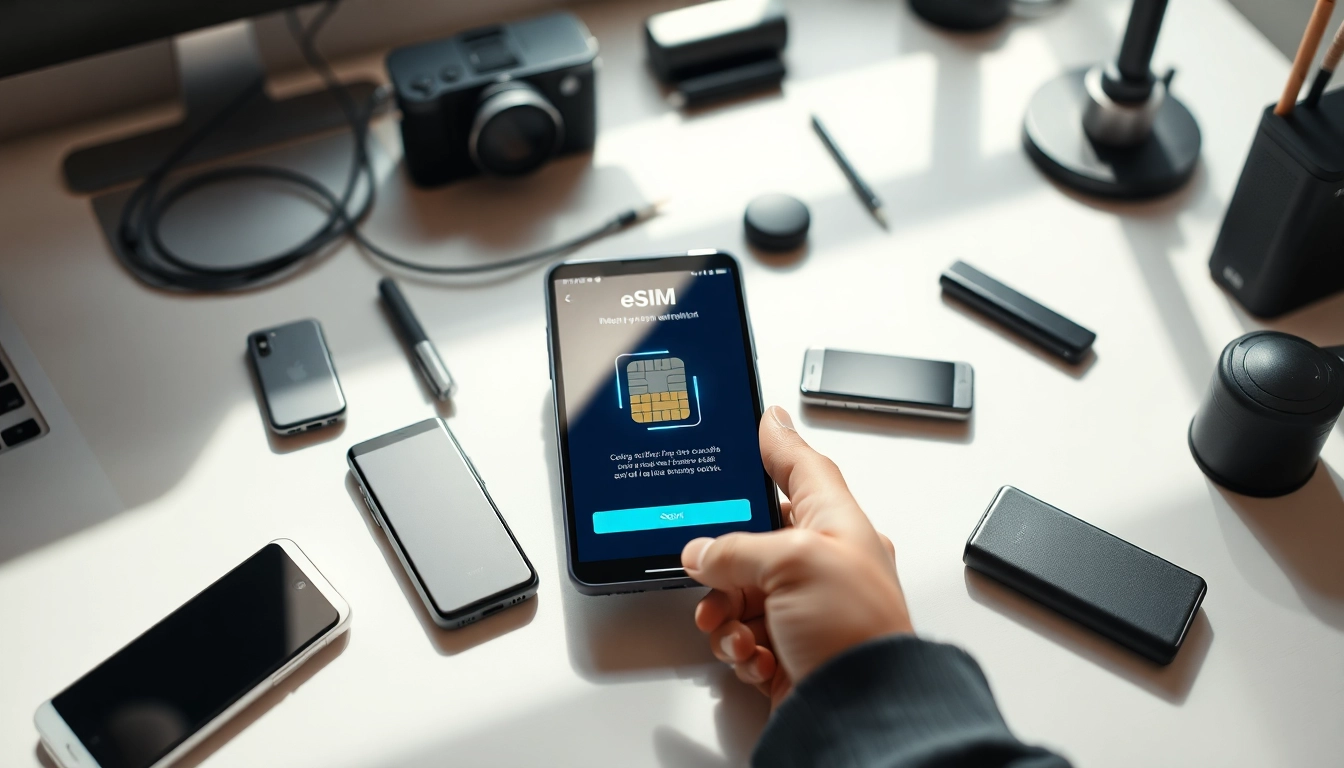
Understanding eSIM Technology
The evolution of mobile communication has introduced several technological innovations, among which the embedded Subscriber Identity Module, or eSIM, stands out. With the advent of this technology, users can connect to mobile networks without needing a physical SIM card. Instead, the eSIM is built directly into devices, such as smartphones and tablets, creating a seamless and flexible experience for consumers. To delve deeper into this transformative technology and its myriad benefits, visit https://esimfo.com.
What is eSIM and How Does it Work?
An eSIM, or embedded SIM, is a digital SIM that allows users to connect to mobile networks without the need for a traditional, physical SIM. Unlike its physical counterpart, the eSIM is embedded in a device's motherboard, which means that it cannot be removed or switched easily. Activation of an eSIM typically involves scanning a QR code provided by a mobile carrier, which programs the device with the relevant cellular plan details.
This technology works by storing multiple profiles on a single eUICC chip, enabling users to switch between different carriers and plans without physically swapping SIM cards. This flexibility is particularly advantageous for international travelers who can easily switch to local carriers for better rates, thereby avoiding roaming fees.
Differences Between eSIM and Physical SIM
The distinctions between eSIM and physical SIM cards can be categorized into several key factors:
- Physical Form: A physical SIM is a small card that can be removed and replaced, whereas an eSIM is embedded into the device and requires no physical interaction for changes.
- Activation Process: Activating a physical SIM typically involves inserting the card into a slot, while an eSIM is activated digitally via software.
- Capacity for Multiple Profiles: eSIMs can hold multiple profiles, allowing users to switch between them seamlessly, which physical SIM cards cannot do.
- Space Efficiency: Devices with eSIM technology often save space, as they do not require a SIM card slot, allowing for more compact designs.
Benefits of Using eSIM
Embracing eSIM technology offers several distinct advantages:
- Convenience: Users can switch carriers effortlessly without physically replacing SIM cards.
- Travel-Friendly: International travelers can download local data plans upon arrival, eliminating the need for costly roaming charges.
- Environmentally Friendly: Reducing the production and disposal of plastic SIM cards contributes positively to environmental conservation.
- Enhanced Security: Storing SIM details digitally can add an extra layer of security compared to traditional cards, which can be lost or stolen.
- Future-Ready: As technology continues to evolve, eSIMs are likely to become the standard in mobile connectivity.
How to Activate eSIM on Your Device
Activating an eSIM varies based on devices and carriers, but certain standardized steps can generally be followed for a smooth transition.
Step-by-Step Activation Process for Various Devices
Here’s how to activate an eSIM on some of the most popular devices:
For iPhones (iOS)
- Open the "Settings" app.
- Select "Cellular" and then tap "Add Cellular Plan."
- Use the camera to scan the QR code provided by your carrier.
- Confirm the addition of the plan, and label it accordingly if prompted.
- Enable the plan and set preferences for data usage.
For Android Devices
- Open "Settings" and navigate to "Network & Internet."
- Tap on "Mobile network" then "Add carrier."
- Follow the prompts to scan the QR code provided by your carrier.
- Review the details and confirm the plan.
Common Issues During Activation and Solutions
While activating an eSIM is generally straightforward, users may encounter some common issues:
- QR Code Scanning Problems: Ensure good lighting and that the code is not damaged. If issues persist, try entering the activation code manually if provided.
- No Service/Error Messages: Ensure that the device is compatible with eSIM and that it is connected to Wi-Fi during activation.
- Carrier Compatibility Issues: Verify with your carrier that it supports eSIM technology and that your device is compatible with their network.
Verifying eSIM Functionality
After activation, it's essential to verify that the eSIM is functioning correctly:
- Check for cellular signal strength and ensure that you can make calls or use data.
- In “Settings,” check under “Cellular” or “Network & Internet” to view active plans.
- Perform a speed test to ensure data connectivity.
eSIM Usage Across Different Regions
With the global nature of mobile communication, understanding how eSIMs function in different regions is vital for travelers and users alike.
International Roaming with eSIM
eSIM technology enhances the experience of international roaming by allowing users to easily switch to local carriers upon arrival in new countries. Travelers can purchase eSIM data plans that provide connectivity without incurring the high costs typical of traditional roaming services, saving both time and money.
Best eSIM Providers and Plans
The market has seen the emergence of numerous eSIM providers, each offering unique plans tailored to different needs. When selecting a provider, consider:
- Coverage: Ensure the provider has a strong network presence in the countries you plan to visit.
- Data Plans: Compare prices, data allowances, and any additional fees.
- Customer Support: Check the responsiveness and availability of customer support channels.
Understanding Local Network Compatibility
It's crucial to ensure that your device is compatible with local networks when traveling internationally. Most carriers provide a list of compatible devices on their websites or through customer support. Additionally, using a local eSIM plan often requires activating the plan using a local Wi-Fi connection, so ensure connectivity upon arrival.
Advanced eSIM Features
Beyond basic usage, eSIM technology incorporates several advanced features that enhance user experience and flexibility.
Merging Multiple Profiles on a Single Device
One of the standout features of eSIM technology is the capability to store multiple profiles on a single device. This allows users, such as frequent travelers or business professionals, to easily switch between personal and work numbers or different carriers without the need for physical SIM swaps. Users can manage these profiles through their device settings, facilitating smooth transitions based on their needs.
Managing eSIM Settings and Preferences
Managing eSIM settings is straightforward. Users can prioritize plans for data usage, set up call and text preferences, and choose which profile should be used for specific contacts. This level of control ensures that users can tailor their device to fit their lifestyle, optimizing their connectivity based on preferences.
Future of eSIM Technology
As eSIM technology continues to evolve, several trends are emerging. Enhanced user experience through improved interfaces and broader adoption across a wider range of devices are expected. Furthermore, as more carriers and devices adopt eSIM capabilities, the market will likely shift away from physical SIM cards, ushering in new levels of convenience and operational efficiency for users.
FAQs About eSIM Activation and Use
As eSIM technology is still relatively new for many users, common questions often arise regarding its activation and usage.
Addressing Common User Concerns
Common queries often revolve around safety, compatibility, and ease of use. Is my personal information secure with eSIM? Yes, eSIM technology is designed with security in mind, often offering better protection than physical SIM cards. Compatibility concerns can effectively be addressed by checking with the device manufacturer and carrier.
Explaining eSIM Terms and Jargon
Understanding the terminology associated with eSIMs can also ease the transition. Users should familiarize themselves with terms like eUICC (embedded Universal Integrated Circuit Card), which is the chip that stores eSIM information, as well as what constitutes a mobile network operator, which provides the cellular services.
Where to Get Help and Support
If you're experiencing difficulties or have questions about your eSIM, customer support is typically provided by your mobile carrier. Additionally, online forums and user communities can offer valuable insights and assistance. Detailed guides and troubleshooting resources are often available on device manufacturer websites as well.